Flatty
A downloadable pixel-art editor for Windows, macOS, and Linux
Flatty is a pixel art editor for low-poly 3D designers and indie game artists. It turns your drawings into 3D models in real time, and lets you create beautiful, perspective vector graphics.
What does it do, actually?
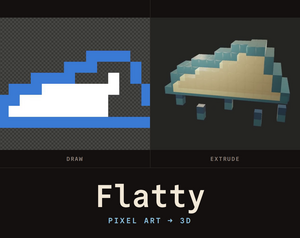
The idea is thaty you paint a flat sprite on a 2D canvas, exactly as you would in any pixel editor. Flatty pushes that drawing out into the third dimension - giving it thickness, colouring its sides, welding it into a mesh.
Flatty lets you export the model as GLB, OBJ, STL or a Blockbench file, the picture as PNG or SVG, and an animation as GIF or MP4 (automatic/semi-automatic screen or pane recording).
The Vector exporter is an additional layer of magic added to Flatty. Once you have a ready thing, you can squash it back to 2D. The Vector pane reads the model and the camera you are looking through, and draws it again as vector art: technical drawing, ink wash, newsprint, screentone, pastel, origami or cells.
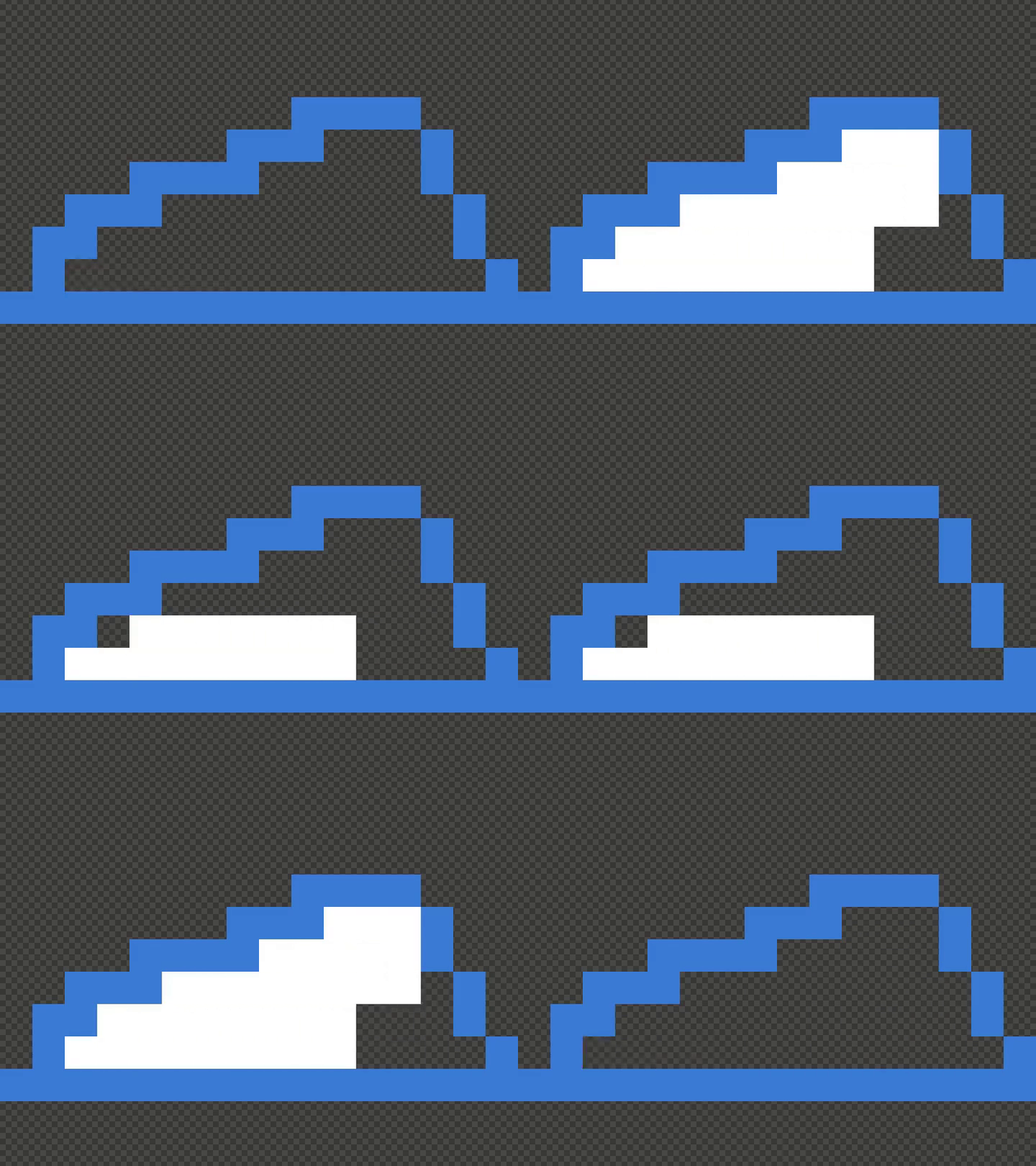 | 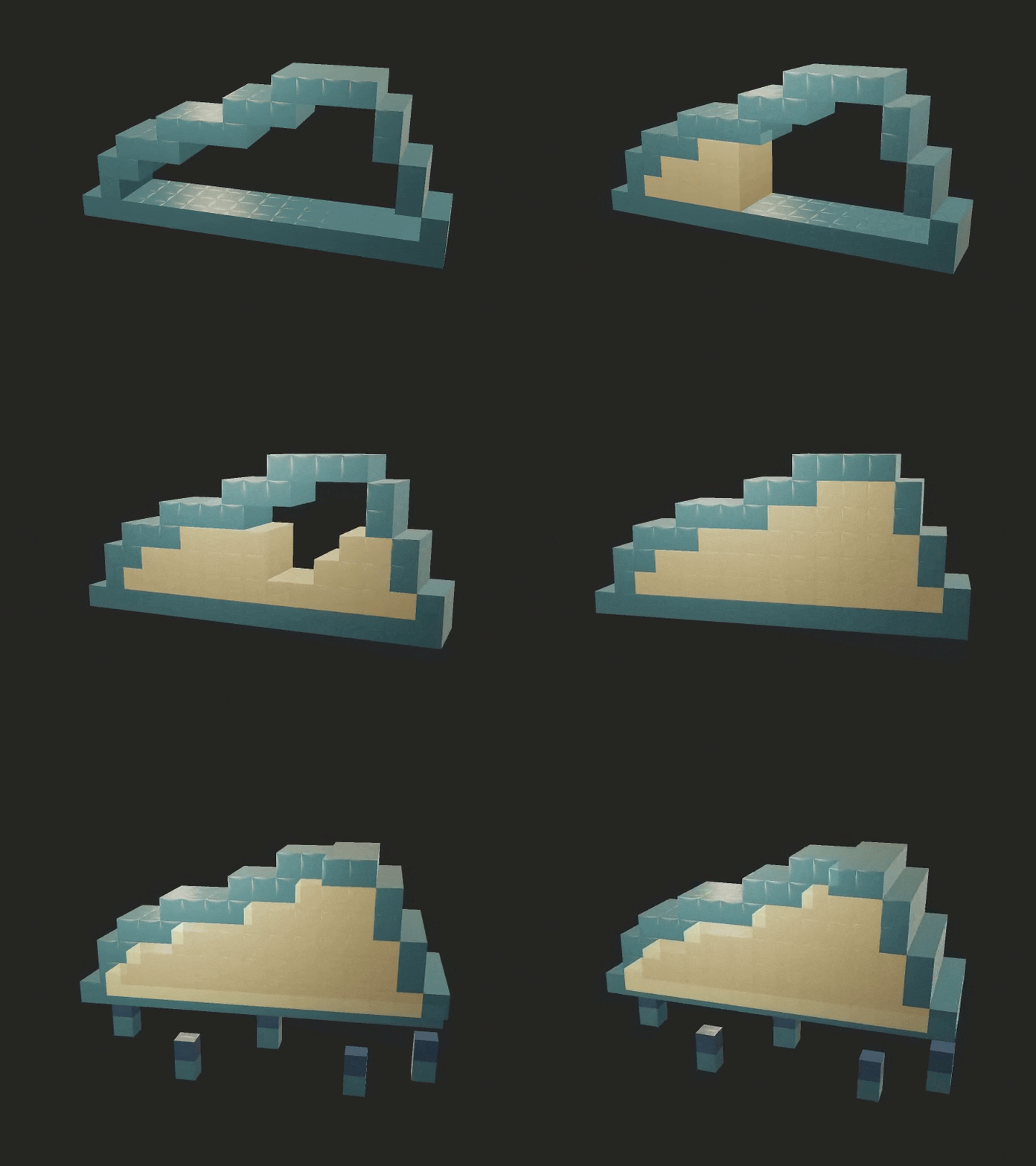 | 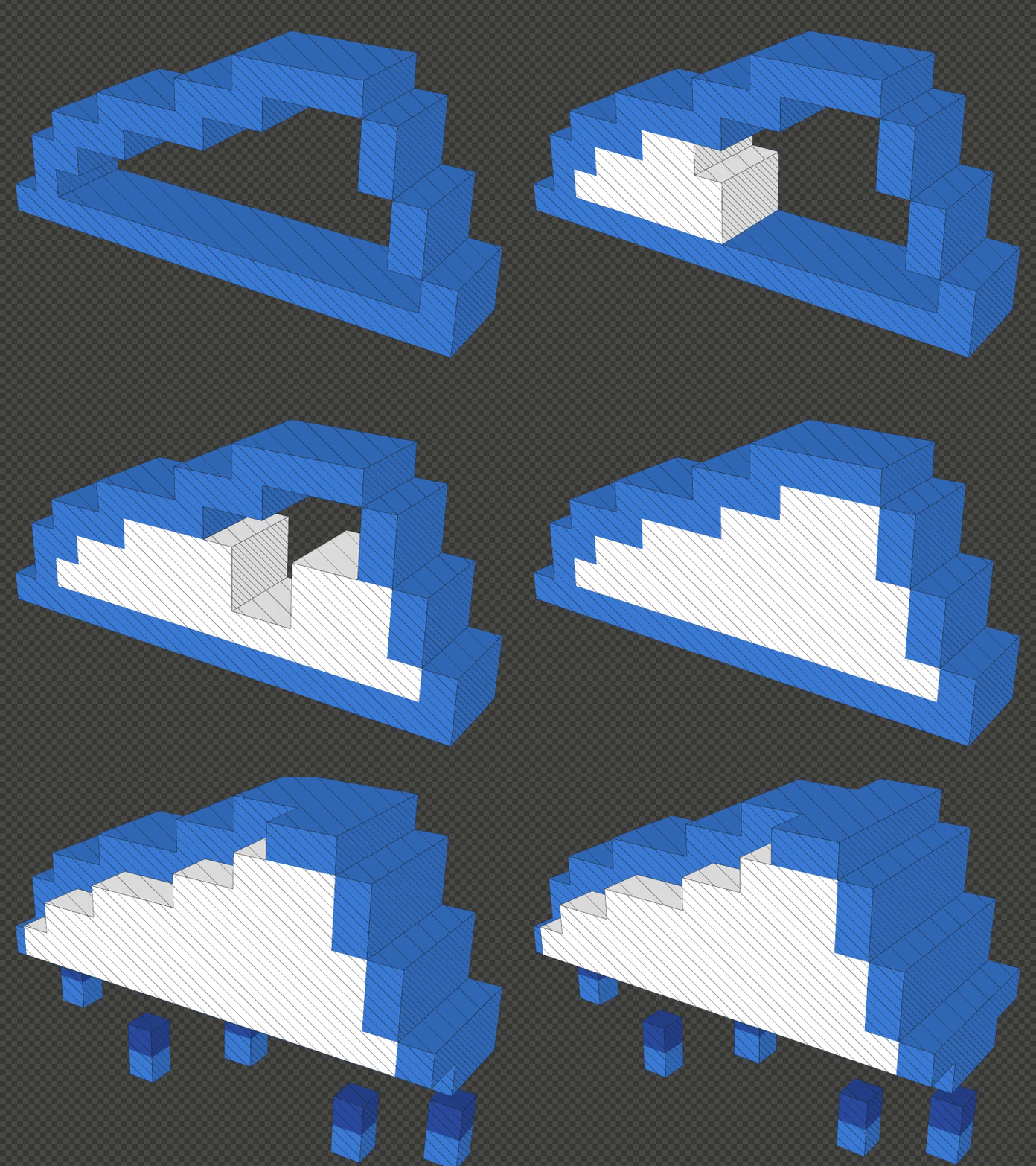 |
Table: from 2D to 3D and back
Screenshots & Video
Flatty uses a fluid layout system allowing you to fully customize your workspaces to fit the current flow. You can create as many workspaces as you like and save your layouts for later. Out of box, you have a few layout options I found useful when preparing the simple artwork for the release.
Video intro to Flatty workflow1. Design / most useful panes in view
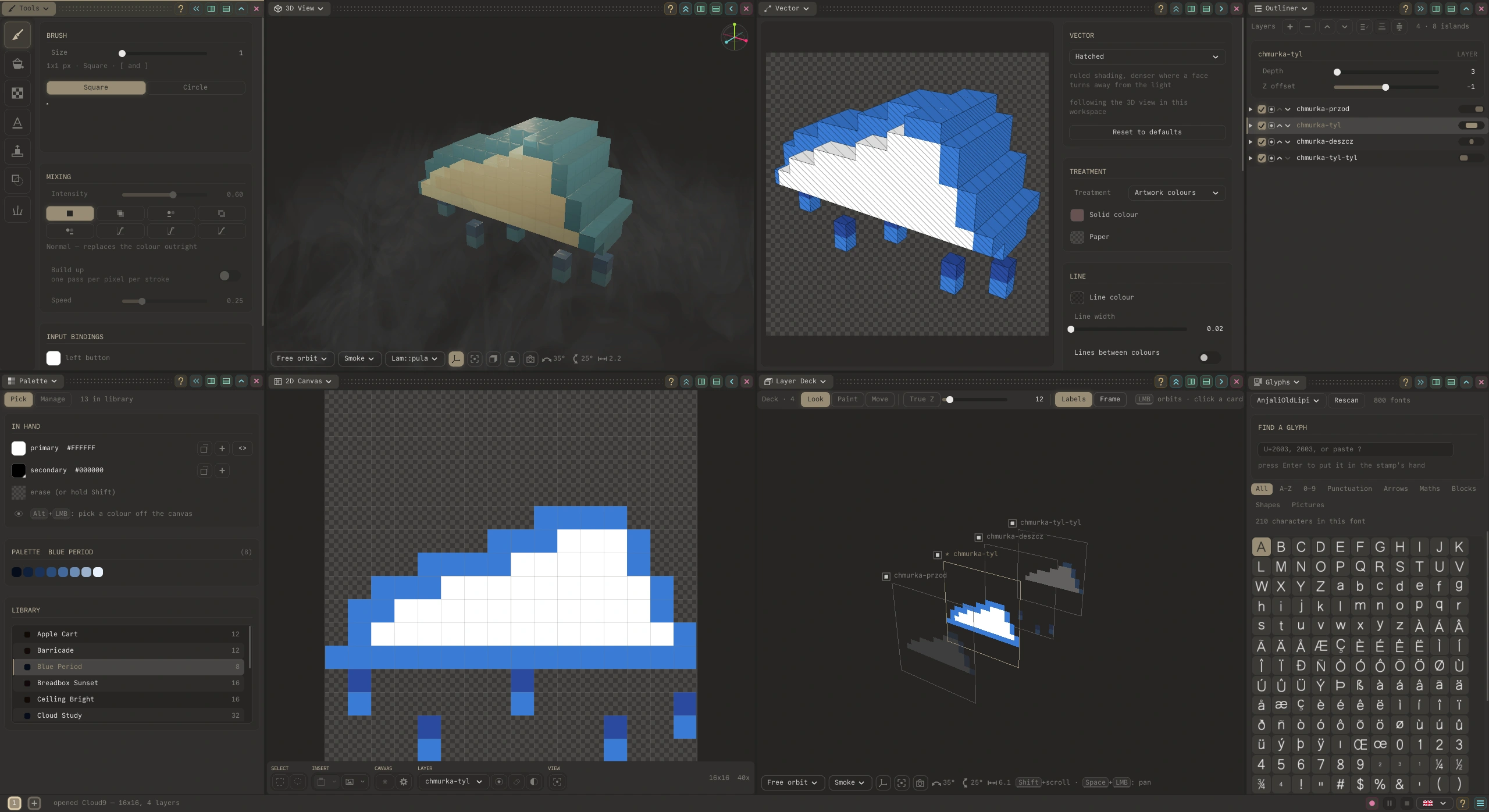
2. Practical / more focus on the pixels
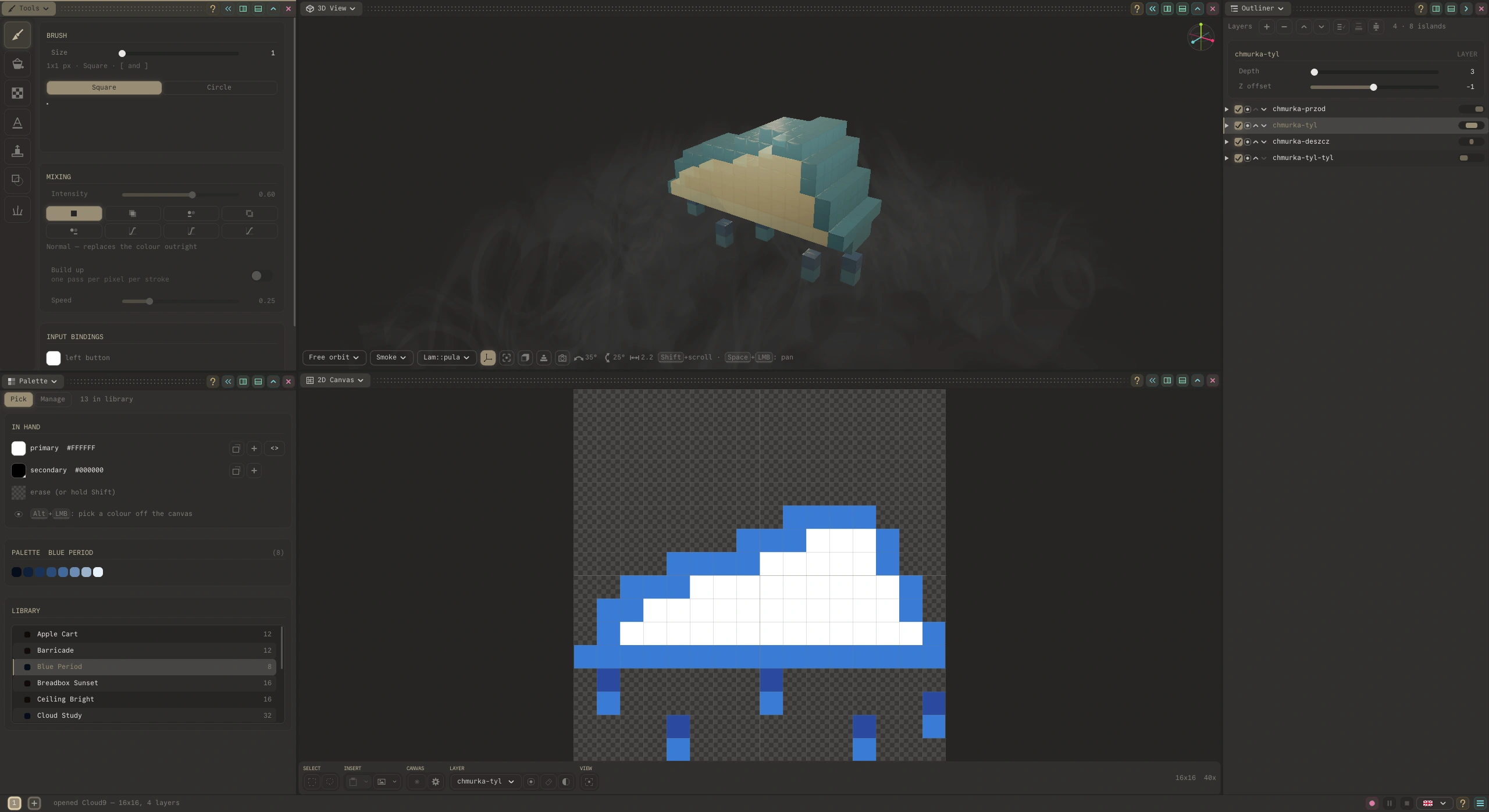
3. Minimal / you and the pixels
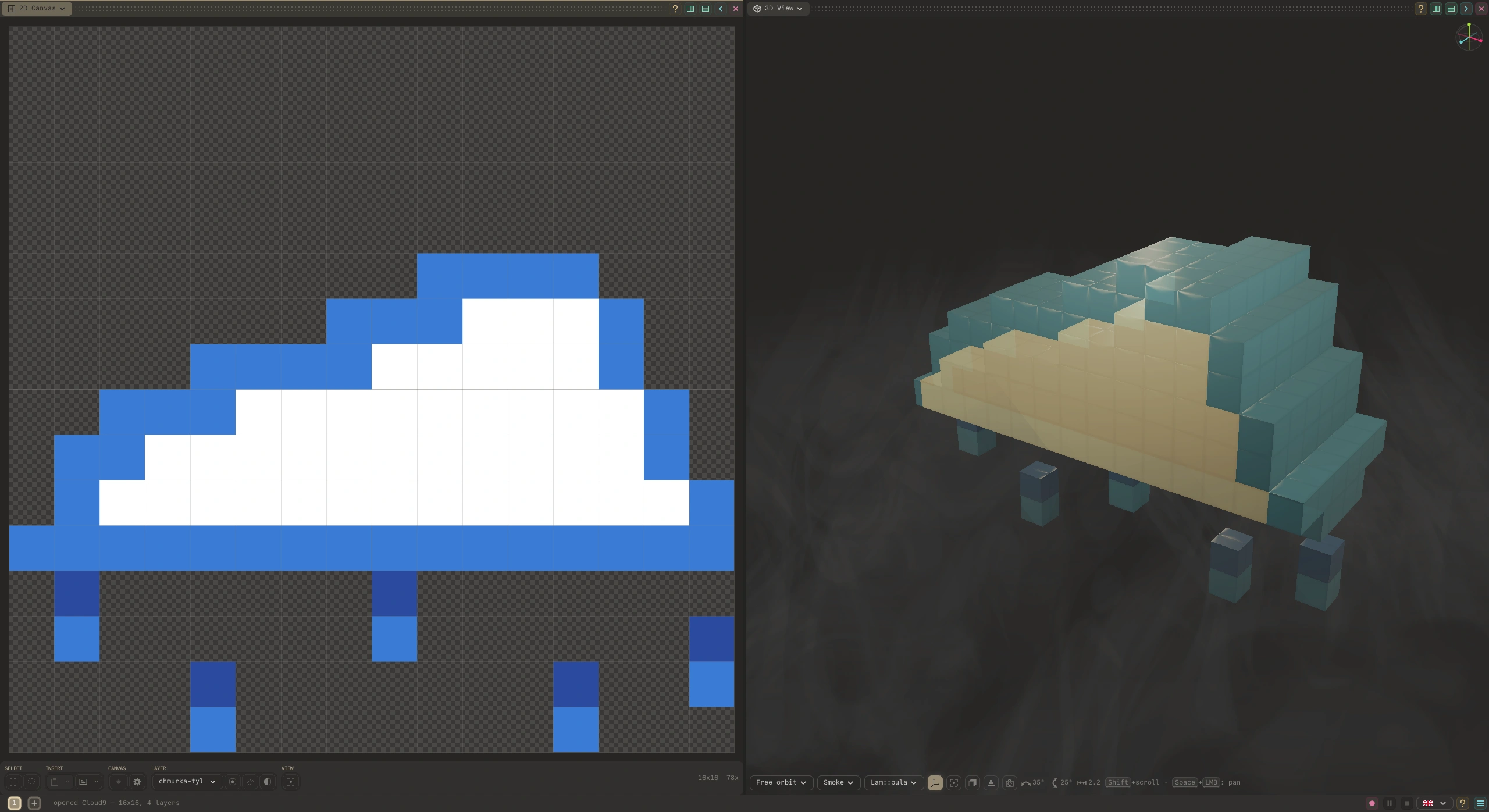
Short history
I like the way you can quickly sketch music on an EP-133 K.O. II sampler. Everything about it feels immediate: you come to it with an idea and you've got it saved before you forget it.
That feeling is what I wanted to bring to Flatty. It is a sequel to a barebones command line tool I wrote to extrude sprites for a game I had started for my nephews. What I am most pleased with, in this little app, is its knack for producing happy accidents throughout a session.
Features highlights
- Painting tools - square and circle brushes, flextrude, basic shapes, experimental generators, glyph stamper, eight mixing modes, per-stroke build-up and speed.
- Bring your own art - import images, place them on the canvas, then trace over them or extrude them as they are.
- Palettes - a library of premade palettes, and the ability to create your own or import them from the most popular formats.
- Layers & depth - depth and Z offset on every layer, so you compose your model out of slices.
- Vector output - hatched, solid-colour, pastel and other treatments, with control over line colour, width and the lines between colours.
- Fluid workspace - 2D canvas, 3D view, outliner, palette, vector pane. Arrange them once, or rearrange them every day.
- Exports GLB, OBJ, STL or a Blockbench file for the model. PNG or SVG for the picture. GIF or MP4 for a turntable.
Installation / Running Flatty
Flatty comes with no installer. You just unpack it and run directly from your folder. When in trouble, please refer to the download section on our home page .
Handbook / multilingual guide
Flatty comes with a machine-elf generated, colorful handbook which covers all its aspects. The good part is that it's always up-to-date with the current release and totally thorough. The bad part is that it reads a bit stiff; well, quite stiff, but it is here, showing you truthfully where to look.
Direct handbook / guide (select your language): Flatty handbook
Before you download
Is it free?
Yes, for personal use, with no trial timer and no locked features. Personal use includes earning a little from what you make.
Can I use it in a game I sell?
Yes. What you make is yours, with no royalty and no revenue share. Selling a game or an asset pack is personal use while what you earn from everything made with Flatty stays under EUR 1,000 in any twelve months. Past that, or for client work and work inside a company, it takes a commercial licence: a short conversation, that is all.
Does it change anything on my machine?
No. Flatty runs from the file you downloaded. Nothing is written outside it apart from your own saved work.
Do I need to be online?
Only to download it. After that Flatty never needs a connection, and it will not open one on its own.
Flatty home page: flatty.higreg.pl
Download
Click download now to get access to the following files:
Leave a comment
Log in with itch.io to leave a comment.